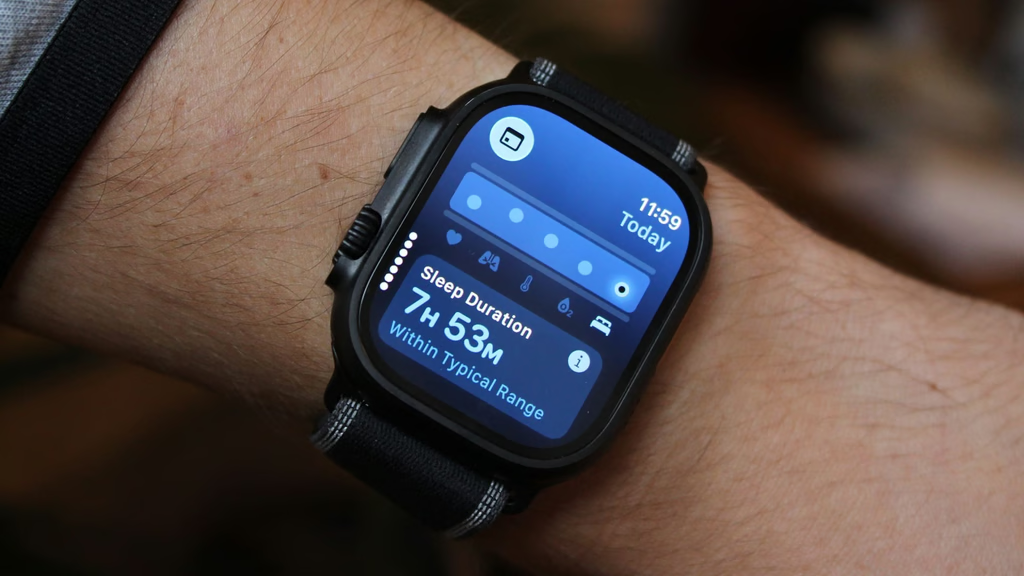
Best Sleep Trackers for Shift Workers: Which Wearables Handle Irregular Schedules

Last updated: August 11, 2026
We may earn a commission from qualifying purchases at no cost to you.
Quick answer: For most shift workers, the Oura Ring Gen3 is the best sleep tracker, and Fitbit Charge 6 is the best budget pick. Need a watch instead? The Apple Watch Series 10 and Garmin Venu 3 are the strongest all-around options, while Whoop 4.0 fits best when recovery matters more than a screen.
Key facts:
- Best overall: Oura Ring Gen3
- Best budget: Fitbit Charge 6
- Best for iPhone users: Apple Watch Series 10
- Best battery life: Garmin Venu 3
- Best for Android users: Samsung Galaxy Watch7
- Best for recovery-focused users: Whoop 4.0
Sleep at 2 p.m. after a night shift? Then a lot of “best sleep tracker” advice falls flat. Shift workers need wearables that handle odd bedtimes, split rest, naps, and messy rotations without making every day look like a failure, and the best sleep tracker should make those patterns easier to read.
I write about consumer wearables and sleep-tracking tech, and for this category I care about one thing above the rest: can the device make sense of irregular sleep, or does it punish it?
Contents
- Quick-pick comparison table
- How I picked these wearables for shift workers
- Best overall: Oura Ring Gen3
- Best budget: Fitbit Charge 6
- Best for iPhone users: Apple Watch Series 10
- Best battery life: Garmin Venu 3
- Best for Android users: Samsung Galaxy Watch7
- Best for recovery-focused users: Whoop 4.0
- Buying guide: what matters most for shift workers
Quick-pick comparison table
| Product | Best for | Rating | Key spec | Where to buy |
|---|---|---|---|---|
| Oura Ring Gen3 | Best overall for irregular schedules | 4.6/5 | Ring form factor, strong nap and sleep trend tracking | Amazon, Oura, Best Buy |
| Fitbit Charge 6 | Best for budget-conscious shift workers | 4.4/5 | Narrow band, easy sleep logs, reliable app experience | Amazon, Fitbit, Best Buy |
| Apple Watch Series 10 | Best for iPhone users | 4.5/5 | Full smartwatch, sleep stages, nap-friendly tracking through iPhone health | Amazon, Apple, Best Buy |
| Garmin Venu 3 | Best battery life for long stretches | 4.5/5 | Long-lasting smartwatch, body battery-style recovery tools | Amazon, Garmin, Best Buy |
| Samsung Galaxy Watch7 | Best for Android users | 4.3/5 | Smartwatch with sleep coaching and health ecosystem tie-in | Amazon, Samsung, Best Buy |
| Whoop 4.0 | Best for recovery-focused tracking | 4.2/5 | Screenless band, recovery and strain model, subscription-based | Amazon, WHOOP, Best Buy |
How I picked these wearables for shift workers
I did not choose them because they are the loudest names on a shelf. I picked them because they deal with the parts of shift work that break ordinary sleep tracking:
- irregular bedtimes
- daytime sleep after bright light exposure
- split sleep after a short shift break
- naps that matter as much as “main sleep”
- battery life that survives long work blocks
- comfort during long wear, including sleep and post-shift recovery time
Real-world behavior mattered too; ads did not. Automatic sleep detection, nap recognition, how clearly the app shows trends, whether the wearable is tolerable in bed, and whether it helps you compare sleep after different shifts all counted.
I’m also using a basic sanity check against sleep-health guidance from sources like the U.S. CDC on shift work and the National Sleep Foundation, both of which emphasize consistent sleep opportunity, light management, and enough total sleep over a single “perfect” bedtime. For broader sleep hygiene guidance, the CDC’s sleep pages are useful: https://www.cdc.gov/sleep/about_sleep/sleep_hygiene.html and https://www.cdc.gov/niosh/work-hour-training-for-nurses/longhours/mod5/05.html
No gadget fixes shift work. Not one. The right wearable just helps you spot patterns, catch sleep debt, and stop trusting a number that acts like everyone sleeps 9-to-5.
Best overall: Oura Ring Gen3
Verdict: I’d pick Oura first for most shift workers. It stays out of the way, handles naps and odd timing better than most wrist wearables, and does a better job with sleep trends than most rivals.
Who it’s for: nurses, EMTs, factory workers, pilots, and anyone who wants sleep data without wearing a watch all day and night.
Pros
- The ring form factor is easy to sleep in and less annoying than a bulky watch during long rest blocks.
- It is strong at showing patterns over time, which matters more than a single night when your schedule keeps changing.
- Nap tracking is useful for shift workers whose “sleep” comes in pieces.
- The app tends to present recovery and sleep trends in a way that makes sense even when bedtime moves around.
- Honestly, it feels built for people whose schedule refuses to behave.
Cons
- The ring can feel restrictive for people who hate jewelry or have finger swelling that changes through the day.
- It is not ideal if you want a screen on your wrist for quick checks.
- Subscription-style costs and ecosystem choices can be a turnoff for some buyers.
- If you need workout features as much as sleep tracking, other wearables may feel more complete.
- Clean on paper, yes; perfect for everyone, no.
Key specs
- Form factor: ring
- Best use: sleep, recovery, nap tracking
- Availability: Amazon, Oura, Best Buy
Compare the current price on Amazon: Oura Ring Gen3 on Amazon
Best budget: Fitbit Charge 6
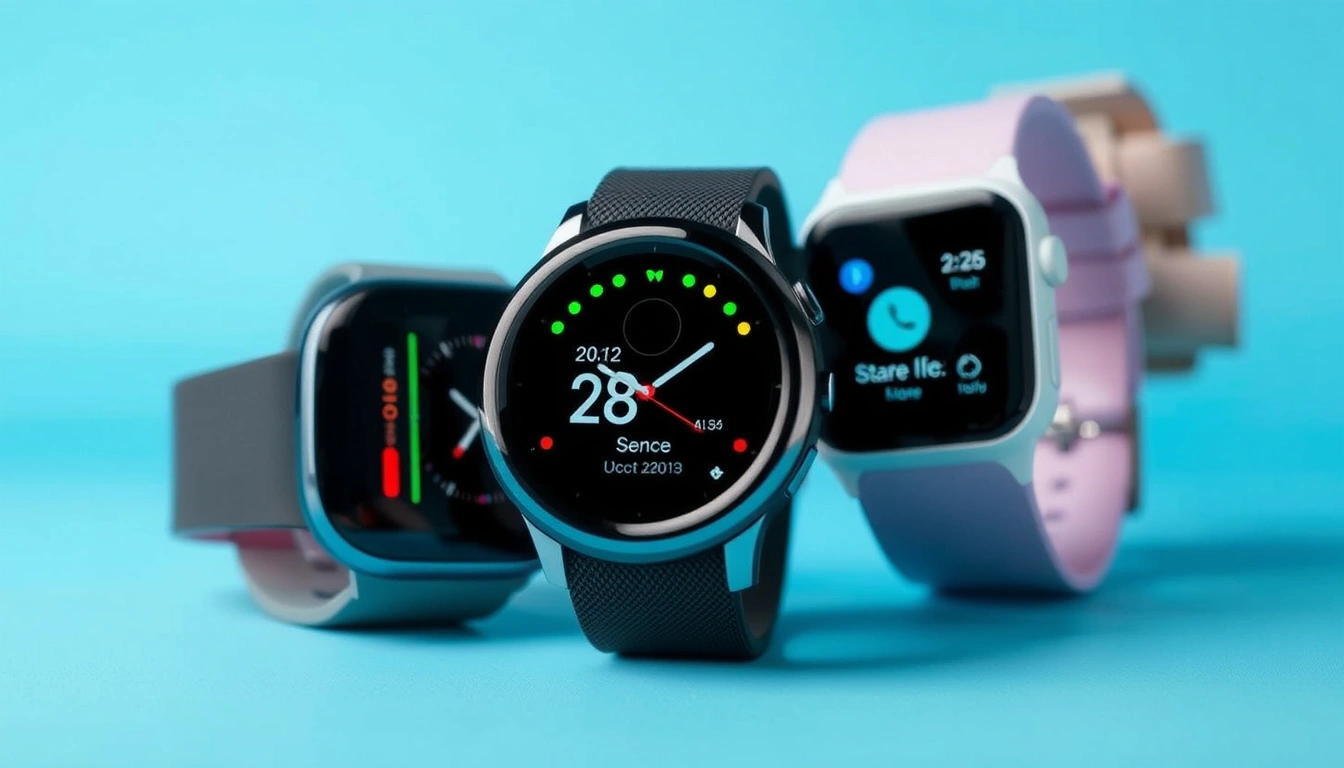
Verdict: I’d choose the Charge 6 if you want a practical sleep tracker for shift work without paying for a full premium smartwatch.
Who it’s for: workers who want a light band, decent sleep summaries, and an app that is easy to understand.
Pros
- Slim enough to wear through sleep without feeling like a wrist brick.
- Fitbit’s sleep presentation is straightforward, which helps if you just want to see whether your sleep window was short, fragmented, or shifted.
- Good fit for people who want a tracker that does sleep first and smartwatch extras second.
- Works across a wide range of phones, which makes it less limiting than some watch ecosystems.
- It gets the job done.
Cons
- It is still a wrist device, so people who find watches uncomfortable at night may prefer a ring.
- The more advanced health insights may feel less useful if your main goal is just to survive rotating shifts.
- Battery and feature balance are good, but not as strong as a ring for pure sleep comfort.
- If you live in another ecosystem and want everything unified, a native smartwatch may be a cleaner choice.
- Fair trade-off, though: less polish, lower price.
Key specs
- Form factor: fitness band
- Best use: sleep summaries, basic health tracking, light all-day wear
- Availability: Amazon, Fitbit, Best Buy
Compare the current price on Amazon: Fitbit Charge 6 on Amazon
Best for iPhone users: Apple Watch Series 10
Verdict: For iPhone owners who want one device for sleep, daily life, and notifications, I’d put the Apple Watch Series 10 near the top.
Who it’s for: iPhone users who want sleep tracking plus a full smartwatch on and off the clock.
Pros
- Deep integration with iPhone health data makes it easy to keep sleep history in one place.
- Works well for people who need a watch they’ll actually keep on during the day, then wear to bed after a shift.
- Strong for users who want a lot more than sleep tracking: reminders, messages, timers, and broader health features.
- Good choice if you care about consistency in an Apple-centered setup.
- Handy. Familiar. Expensive, but tidy.
Cons
- Battery life is the obvious weak point for people working long or irregular shifts.
- It is easy to forget to charge after a hectic night rotation.
- A smartwatch body is more intrusive in bed than a ring.
- Not the best value if you only care about sleep and do not want the rest of the smartwatch stack.
- The charge routine can become the annoying part.
Key specs
- Form factor: smartwatch
- Best use: iPhone sleep tracking + daily smartwatch functions
- Availability: Amazon, Apple, Best Buy
Compare the current price on Amazon: Apple Watch Series 10 on Amazon
Best battery life: Garmin Venu 3
Verdict: I’d choose the Venu 3 if your schedule is chaotic and you hate charging your wearable every day.
Who it’s for: shift workers who want long battery life, reliable sleep trend data, and a watch that can stay on through multiple long work blocks.
Pros
- The battery advantage is real-life useful for odd schedules, overnight shifts, and travel days.
- Garmin’s recovery-style metrics can help you look beyond raw sleep duration and think about readiness.
- Good choice if you are already used to Garmin’s app ecosystem or want a device that handles both training and rest.
- Helpful for people who prefer a watch over a ring but still want longer wear time.
- That extra battery margin saves headaches.
Cons
- Garmin’s sleep coaching style is not everyone’s favorite; some users find the interface more data-heavy than friendly.
- It may feel like too much watch if you only want simple sleep tracking.
- Those who want the most polished sleep coaching experience may prefer Oura.
- If you want deep phone integration and a more consumer-friendly app feel, Apple or Fitbit may be easier.
- Good tool, slightly nerdy. That’s the trade.
Key specs
- Form factor: smartwatch
- Best use: battery life, recovery tracking, sleep trends
- Availability: Amazon, Garmin, Best Buy
Best for Android users: Samsung Galaxy Watch7
Verdict: I’d pick the Galaxy Watch7 for Android users who want sleep tracking inside a familiar phone ecosystem.
Who it’s for: Samsung phone owners, Android users, and people who want a smartwatch that handles sleep along with the rest of daily life.
Pros
- Strong ecosystem fit for Samsung and Android users.
- Good choice if you want sleep data alongside general health tracking in one device.
- Works well for people who already wear a watch all day and just need it to keep tracking at night.
- Helpful when you want one app ecosystem rather than juggling several services.
- If your phone is already Samsung, the fit is pretty natural.
Cons
- Battery life is not the friendliest for long, irregular shift patterns.
- As with most watches, comfort during sleep depends on the wearer.
- Sleep tracking is useful, but it is not the most specialized option in this roundup.
- Non-Samsung Android users may feel less benefit than Galaxy owners.
- Fine watch. Just not the sleep specialist here.
Key specs
- Form factor: smartwatch
- Best use: Android and Samsung health integration
- Availability: Amazon, Samsung, Best Buy
Compare the current price on Amazon: Samsung Galaxy Watch7 on Amazon
Best for recovery-focused users: Whoop 4.0
Verdict: I’d choose Whoop if you care more about recovery and strain than about having a screen on your wrist.
Who it’s for: people who want a screenless band and are willing to pay for a membership model in exchange for deeper recovery framing.
Pros
- The screenless design makes it less distracting during sleep and work.
- Good for users who want a recovery-first view of how shift work affects the body.
- The strap style can feel less annoying than a full smartwatch.
- Useful if you like the idea of connecting sleep, exertion, and recovery in one system.
- No screen. Less temptation to poke at it.
Cons
- The membership model is the biggest drawback and can make the long-term cost less attractive.
- No screen means you rely heavily on the app.
- If you want a simple one-time purchase, this is not the cleanest buy.
- It is overkill if all you want is a straightforward sleep log.
- The bill keeps showing up.
Key specs
- Form factor: screenless band
- Best use: recovery and strain tracking
- Availability: Amazon, WHOOP, Best Buy
Compare the current price on Amazon: WHOOP 4.0 on Amazon
Buying guide: what matters most for shift workers
The wrong sleep tracker for shift work assumes sleep has to happen at night and in one block. I would look for these traits first:
1) Nap tracking and split sleep
Shift workers often sleep twice, not once. If a wearable treats naps as junk data, it can undercount the sleep that actually keeps you functional. If your sleep is chronically irregular, consider discussing your fatigue and sleep strategy with a clinician or sleep professional.
2) Comfort while sleeping
If the device wakes you up, it fails at its core job. Rings are usually better for sleep comfort. Bands can work well. Bulky watches are a mixed bag.
3) Battery life
Long shifts, commute time, and accidental charging gaps punish weak batteries. If you work overnight and then sleep in the morning, long battery life is a real advantage.
4) A trend view, not a single score
A single sleep score can be misleading when your bedtime moves around. I would prioritize apps that make it easy to see patterns across weeks.
5) Ecosystem fit
If you already use Apple Health, Samsung Health, Garmin Connect, or Fitbit’s app, staying inside that system can reduce friction. For many people, the best sleep tracker is the one they will keep wearing.
Common mistakes shift workers make
- Buying a tracker that looks great for fitness but not for sleep comfort
- Ignoring battery life when a 12-hour shift makes charging inconvenient
- Treating one bad daytime sleep score as proof that the wearable failed
- Choosing a device that does not fit their phone ecosystem